The Prompt Formula for Better Noema AI Songs
A 3-part template that turns any AI chatbot into a Noema prompt generator. Copy it, fill in the blanks, paste the output into Advanced Mode.
Noema AI's Advanced Mode gives you full creative control over the musical style and exact lyrics of your tracks. However, prompting an AI music generator can sometimes feel unpredictable. To get the best possible results, we use a simple, structured 3-part prompt formula that maps perfectly to our generation engine.
The Formula Template
Copy the template below, fill in the three bracketed blanks with your ideas, and paste it into any AI chatbot (like Claude, ChatGPT, Gemini, or Copilot):
You're helping me write a song prompt and lyrics for Noema AI, a mood-based AI music generator.

Write a prompt and lyrics for a song about [TOPIC]. Make sure to include [SPECIFICS ABOUT THE TOPIC]. The style I'm going for is [VIBE / STYLE — genre, mood, instrumentation, vocal style].

Rules:
- The prompt must be under 250 characters.
- The lyrics must be under 3000 characters.

Give me your answer in exactly this format:

PROMPT:
[the prompt]

LYRICS:
[the lyrics]
How to Use It
Fill in the brackets
Open any text editor and swap out [TOPIC], [SPECIFICS ABOUT THE TOPIC], and [VIBE / STYLE] with your custom concepts.
Ask your AI Assistant
Paste the modified template into ChatGPT, Claude, Gemini, or any chatbot. It will respond with a tailored prompt and structured lyrics.
Paste into Noema
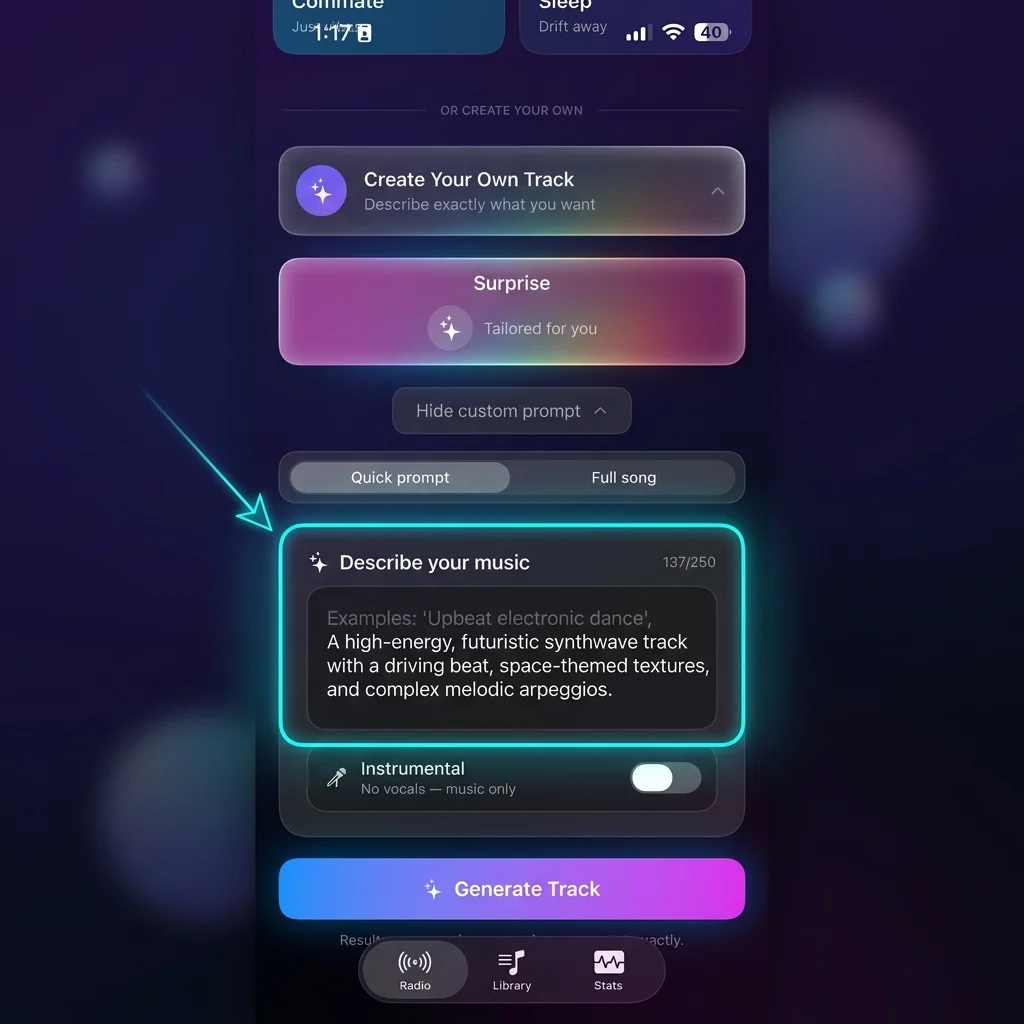
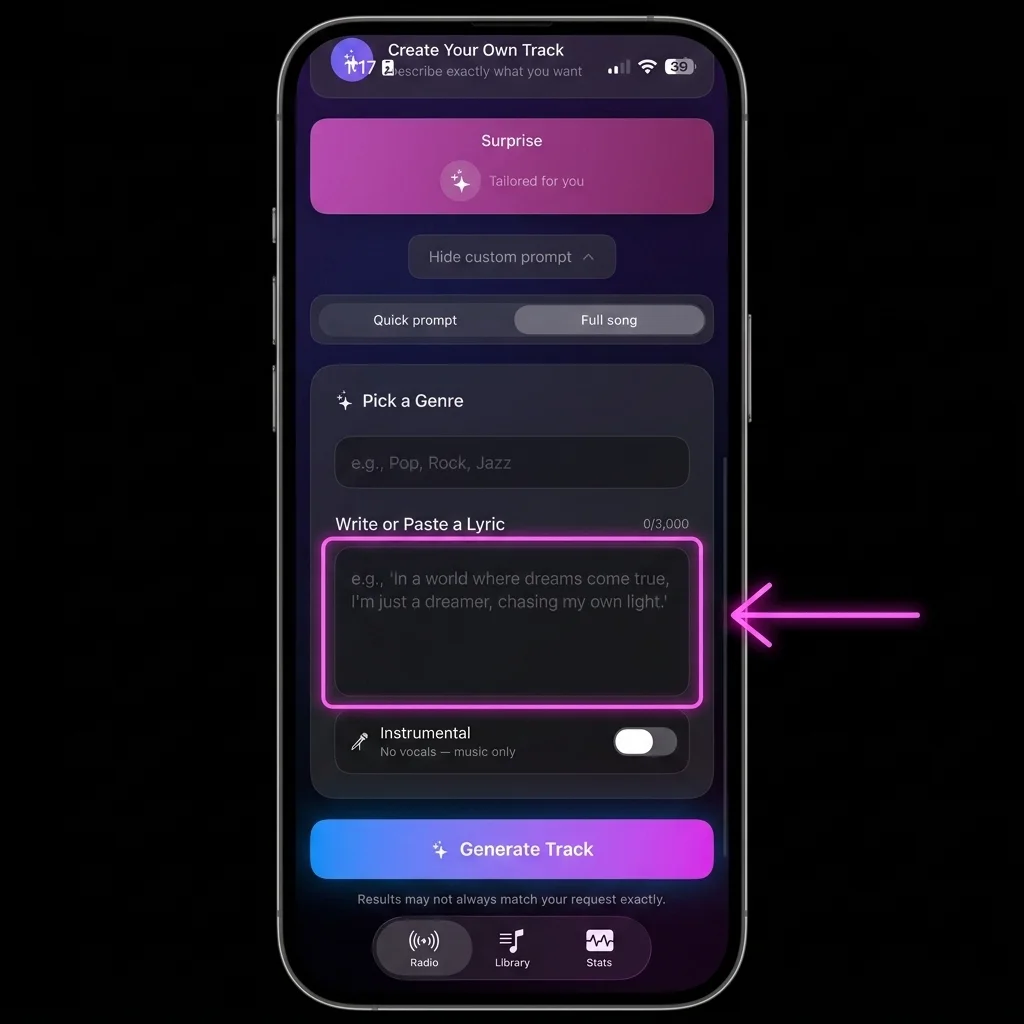
Open Advanced Mode on iOS, select Full Song, paste the generated PROMPT into the Pick a Genre field, and the LYRICS into the Write or Paste a Lyric field.
Example Walkthrough
Here is an example of the formula in action, showcasing how raw user parameters transform into production-ready inputs.
1. Filled-in Inputs
- Topic: Moving to a new city alone
- Specifics: Leaving family behind, excited but scared, taking the leap at 25
- Vibe / Style: Cinematic indie pop, female vocals, hopeful but bittersweet
2. Resulting Output from AI
PROMPT:
Cinematic indie pop, female vocals, warm analog synths and soft percussion — hopeful but bittersweet, like driving toward something unknown and choosing to be brave about it.

LYRICS:
[Verse 1]
Boxes in the backseat, city in the rearview
Mom said call me nightly, I said I will, I do
Twenty-five and terrified, but I bought the ticket anyway...

[Chorus]
I'm scared and I'm going anyway
Scared and I'm going anyway...
Bonus: Claude Project Skill
Claude Skill Download
If you use Claude, you can download and install this prompt formula as a custom Project Skill. Claude will walk you through the three questions automatically in an interactive interview — no copying and pasting template text required.
Note: Custom Skills (Custom Instructions) are supported natively in Claude Projects.