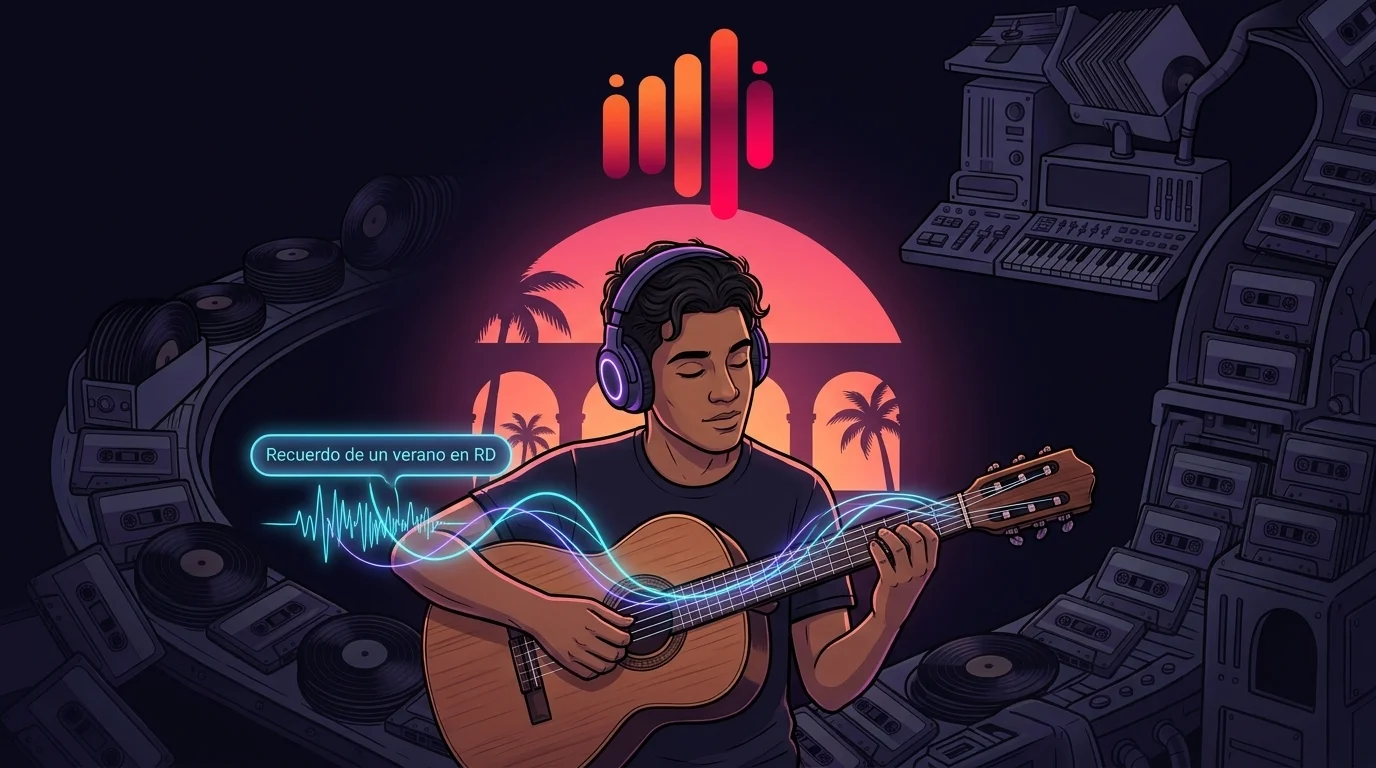
Most of the time, you don't type anything into Noema at all. You open the app, tap a mood—Focus, Relax, Sleep, Workout—and an adaptive radio station starts in seconds. No prompt box, no searching.
But when you sign in and step into Create Your Own mode to turn a personal memory into a custom track, words suddenly matter a lot. In Quick Prompt Mode, you can type a short idea into Describe your music—whether it's "Recuerdo de un verano en RD", "Una canción de amor para mi madre", or "una bachata triste sobre un amor perdido en Santo Domingo"—and let Noema generate both the arrangement and the vocals.
People don't think of a memory in Santo Domingo, San Juan, Mexico City, or Madrid in English and then translate it. They feel it in Spanish.
Yet when we tested short Spanish descriptions in Quick Prompt Mode, we kept hearing the same bizarre failure: the instruments matched the Latin genre, but the vocals came back in English. When we traced the request payload, we found the culprit: our own backend pipeline was unintentionally overriding the language of short prompts.
Anatomy of a Hijacked Prompt
Every vocal track generated in Noema passes through a safety layer before reaching the audio synthesis engine. To make sure auto-generated lyrics stay compliant and radio-safe, the pipeline appends a standard system guardrail instruction to the end of vocal prompts.
When a user wrote a detailed 40-word prompt in English—or pasted their own full lyrics in Full Song Mode—that trailing system instruction was completely invisible. Even on a long, multi-sentence Spanish description, Spanish still carried enough weight for the model to sing in Spanish.
But in Quick Prompt Mode, real people don't write 40-word essays on their phone. They write six words from the heart: "Recuerdo de un verano en RD."
Here is what happened to the language balance of the payload when a short Spanish prompt met an English system instruction:
Interactive Prompt Payload Inspector
The trailing English system words outnumber the 6 Spanish words roughly 3-to-1. The model follows the dominant language and sings in English.
In-memory n-gram relative margin scoring selects native localized system instructions without waiting on an external LLM translation call.
Because the appended English system tokens outnumbered the user's six Spanish words by roughly 3-to-1, the audio model dutifully arranged Dominican guitars and sang over them in English.
Fixing It Without Adding Translation Latency
The obvious fix would have been to send every user prompt to an external LLM first to classify its language or translate the system instructions on the fly before generating music.
We rejected that approach immediately:
- Zero added wait time: Calling an external LLM before every song request adds hundreds of milliseconds of network latency and a new point of failure before audio generation even starts.
- Deterministic safety: System instructions should be audited, pre-authored native strings—not live translations generated on the fly.
Instead, we built an in-memory language resolver that runs in under a millisecond (<1ms) with zero network calls, pairing local character n-gram detection with native, human-written system instructions across 10 languages.
Why Music Prompts Break Standard Language Detectors
If local n-gram detection is so fast, why not just trust its top result? Because music prompts look nothing like the paragraphs language detectors are trained on.
Music descriptions are short, full of global genre loanwords (bachata, reggaetón, lofi, synthwave), and typed quickly on mobile keyboards. On a prompt like "una canción de reggaetón suave para escuchar de noche", raw confidence scores drop sharply because of genre terms. A rigid raw-score cutoff would misclassify valid Spanish prompts every single day.
And then there are mobile typos.
The "Recurredo" Typo Test
While testing real-world prompts, we ran into this six-word input:
"Recurredo de un verano en RD" (a single transposed letter in Recuerdo).
On a six-word string, that single transposed letter distorts the character n-grams enough that the detector's #1 and #2 candidates—Spanish and Italian—land in a virtual tie. If your pipeline blindly trusts whichever language edges out #1 by a fraction of a percent, a single typo on an iPhone keyboard could inject Italian instructions into a Dominican summer memory.
Relative Confidence Margins + Language-Locked Fallback
Instead of relying on raw confidence scores alone, our resolver measures the relative lead between the #1 and #2 candidate languages—requiring a stricter lead on very short prompts than on longer descriptions. When a typo or loanword makes the top two languages tie, it switches to a language-locked fallback that explicitly anchors the vocals to the language of the user's description.
Result: Selects native localized instructions in that exact language (100% Spanish payload).
Result: Uses a language-locked fallback that instructs the engine to match the user description's language.
Protecting Your 250-Character Prompt Budget
As we share in our Prompt Formula Guide, Noema's prompt box works best when you keep your music description under 250 characters.
When someone writes a rich 240-character Spanish description detailing the exact instruments, tempo, and vocal warmth they want, tacking on a long system suffix behind the scenes risks crowding out the user's own creative direction.
To keep every character focused on your music, our pipeline dynamically adapts:
- Adaptive Suffix Sizing: When your prompt is near the 250-character mark, the pipeline switches to a compact localized rule so your description is never truncated.
- Pure Instrumentals Stay Pure: When you toggle an instrumental track, vocal lyric rules are skipped altogether—dedicating 100% of the prompt budget to your acoustic arrangement.
Listen or Create in the Language You Feel In
When you just want to focus, relax, or sleep, Noema's Mood Radio starts in one tap in Guest Mode—no prompt and no account required. And when you sign in to create a custom song from a personal memory, you never have to translate your feelings into English first.
Type "Recuerdo de un verano en RD", "Una canción de amor para mi madre", or "Reggaetón nocturno para manejar por San Juan"—and Noema will meet you in Spanish, from the iOS interface to the final verse.